Short answer: choose GitHub Copilot if you want AI assistance inside an IDE you already use, broad editor support, and a lower-cost paid starting point. Choose Cursor if you want a dedicated AI coding workspace built around agent-led, multi-file tasks. The pricing comparison is no longer a simple $8-versus-$10 decision: new Cursor plans are part of an X subscription, while GitHub Copilot uses monthly AI credits. This guide compares current plans, workflows, privacy controls, and practical trade-offs—not unverified claims about which tool writes better code.
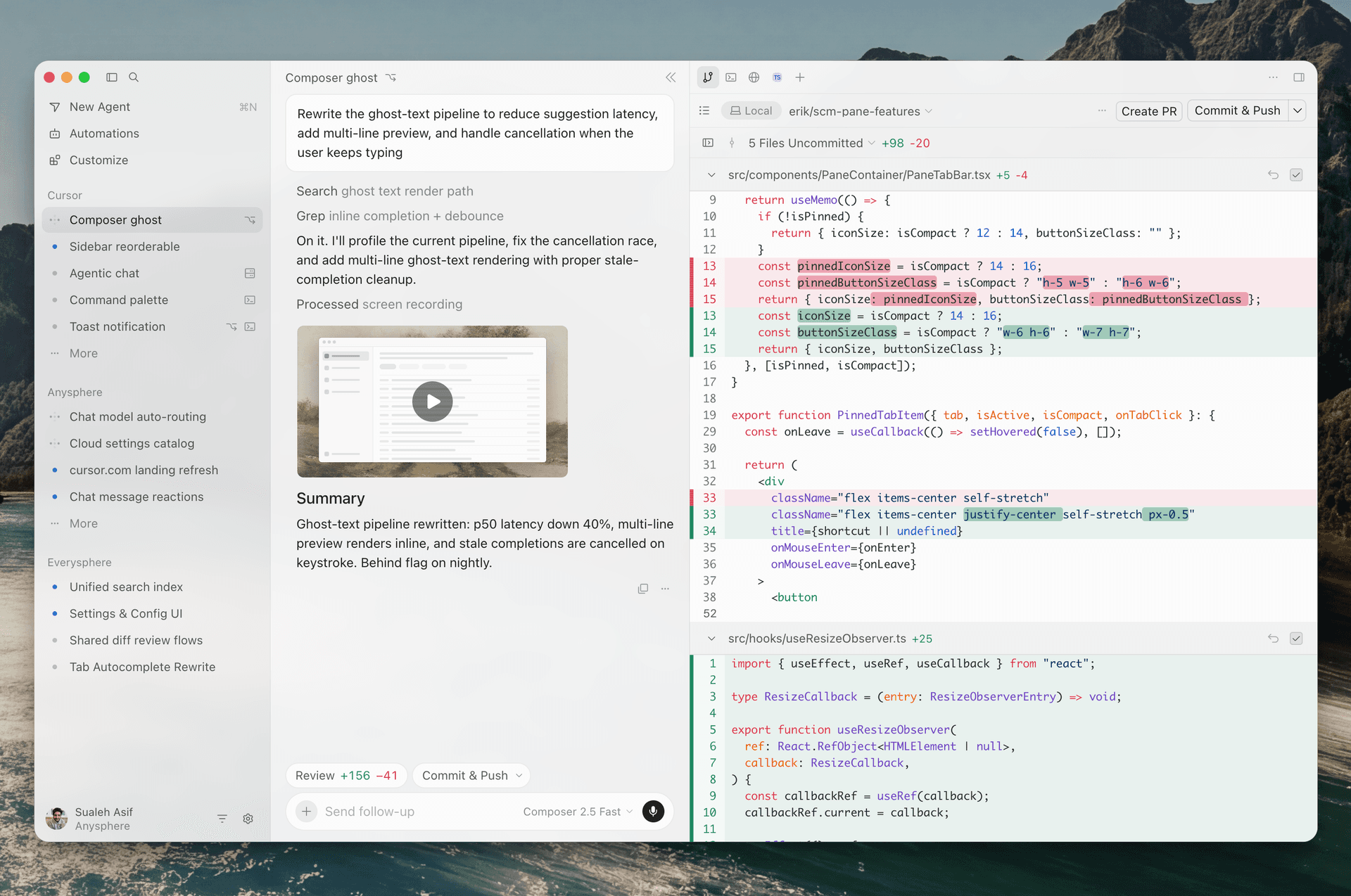
The quick verdict: editor-first or agent-first?
GitHub Copilot is an AI layer across several existing development environments and GitHub workflows. Cursor is a dedicated AI coding editor and agent workspace. Both can explain code, suggest edits, and handle agentic tasks; the practical difference is where you want that work to happen and how you want to pay for it.
If you spend your day in VS Code, Visual Studio, JetBrains, Eclipse, or Xcode, Copilot is the lower-friction starting point. If you want to open a repository, describe a feature, let an agent inspect several files, and review a coordinated change, test Cursor as your primary workspace. Neither product removes the need to inspect diffs, run tests, and review security-sensitive changes.
What you are actually buying
GitHub Copilot combines inline completions, chat, model selection, code review, and agent workflows. Its agent mode can decide which files to change, edit across a project, run commands, and iterate. Commands normally require your approval, although editor or administrator settings can change that. Agent mode is available in VS Code, Visual Studio, JetBrains IDEs, Eclipse, and Xcode; check GitHub’s feature matrix for the latest support details.
Cursor is built around an AI-first editor and coding agent. Its documentation describes workflows for understanding a codebase, planning features, fixing bugs, reviewing changes, and connecting development tools. Higher paid tiers add cloud agents, automations, code hosting through Origin, and AI code reviews through Bugbot. These additions matter if you will use them; they are not a reason to pay more if you mostly need short completions.
The choice is not “AI versus no AI.” It is an assistant integrated into established IDEs versus a dedicated environment designed around agent-driven work.
Pricing comparison: check included usage, not just the headline price
Prices below were checked on November 9, 2026, against vendor pricing pages. They are USD list prices before applicable taxes. Quotas, model availability, and terms can change, so verify the checkout page before subscribing.
| Product and plan | Listed price | What matters |
|---|---|---|
| Cursor Free | $0/month | Limited agent and chat usage. |
| Cursor Plus | $8/month | Entry X Subscription tier; shared usage with Grok. Only Grok models are available in Cursor. |
| Cursor Premium | $30/month | 4x Plus usage; adds cloud agents, automations, Origin, Bugbot, and third-party models billed separately at API list price. |
| Cursor Super / Ultra | $100 / $200 per month | Larger shared usage pools and priority access for heavier use. |
| GitHub Copilot Free | $0/month | 2,000 code completions per month and selected models. |
| GitHub Copilot Pro | $10/user/month | Unlimited completions and next-edit suggestions, plus $15 in monthly total credits. |
| GitHub Copilot Pro+ | $39/user/month | Premium models, including Opus, and $70 in monthly total credits. |
| GitHub Copilot Max | $100/user/month | High-volume agent workflows and $200 in monthly total credits. |
This is not a direct $8-versus-$10 contest. Cursor Plus does not include third-party models. Using Claude, GPT, or Gemini inside Cursor requires Premium or above and separate usage charges. Copilot’s paid plans include monthly credits, and agent prompts consume them. Heavy users should estimate their own workload rather than assume the subscription price is the full cost.
Cursor also documents legacy plans for existing subscribers. Legacy Pro at $20 and Pro+ at $60 continue under their existing terms unless the subscriber changes or cancels. New customers are directed to the X Subscription plans. If you already pay for Cursor, check your account before comparing it with the new-customer pricing.
Workflow and IDE fit: where the difference becomes practical
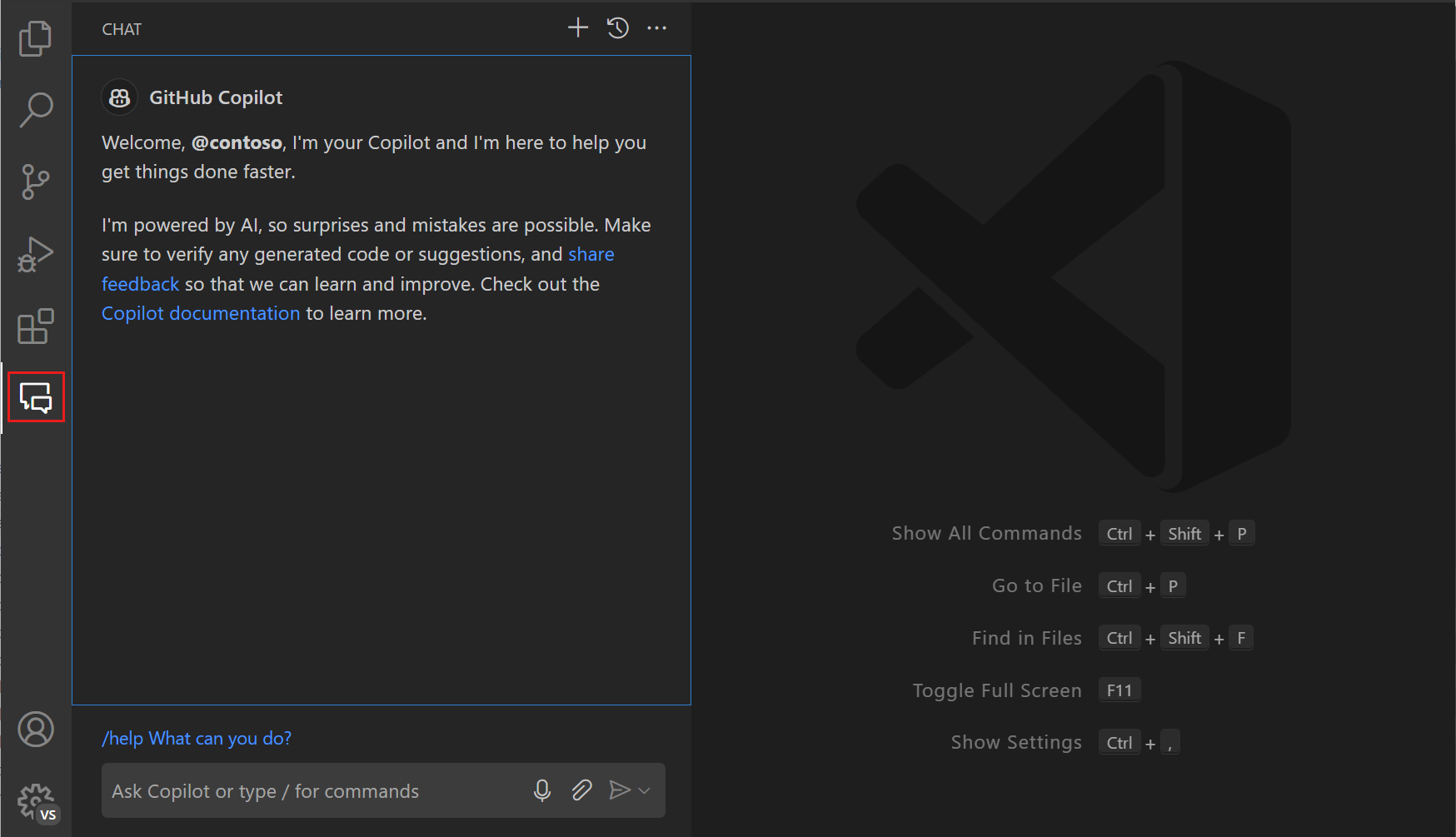
Choose Copilot when editor compatibility matters. If your team standardizes on JetBrains, Visual Studio, Eclipse, or Xcode, Copilot can avoid an editor migration. It also fits developers who mainly want inline completions, quick explanations, test suggestions, and occasional agent tasks while keeping existing extensions and shortcuts.
Choose Cursor when you are comfortable adopting its editor and want agents central to daily work. A bounded task might be: inspect the authentication flow, identify affected files, propose a plan, implement a change, add tests, and show the diff. Premium’s cloud agents and Bugbot may help if you will use them, but weigh their value against the higher subscription and separate model charges.
For either product, results depend on repository structure, instructions, model choice, and task clarity. A large agent-generated diff can create more review work than it saves. Start with bounded tasks and require tests before merging.
Privacy and code handling: configure before opening a private repository
Cursor’s Privacy Mode is available to free and paid users. Cursor says that, when enabled, customer data is not used for training by Cursor or its model providers and that it maintains zero-data-retention agreements with providers. Its data-use notice also describes exceptions: risk classifiers may run, and data that triggers an investigation may be retained under provider policies. With Privacy Mode off, Cursor says it may store and use codebase data, prompts, editor actions, and snippets to improve features and train models.
GitHub’s documentation says that, beginning April 24, 2026, interactions from individual Copilot Free, Pro, Pro+, and Max subscribers may be used to train and improve models. This can include prompts, outputs, code snippets, and associated context. Individual users can opt out in Copilot settings. GitHub says Business and Enterprise customer data is not used for model training under its customer data protections.
A privacy toggle does not mean code never leaves your device. AI tools need to send some prompt and code context to a model or service. Before using either product with client code, credentials, regulated data, or proprietary repositories, review the current data terms, select the appropriate plan, enable privacy controls, and exclude secrets from prompts.
Which tool should you choose? A decision guide and a seven-day test
Start with GitHub Copilot Pro if you already use a supported IDE, want a relatively low-cost paid plan, and mainly need completions, chat, and occasional agent work. Copilot Free is a reasonable first test if 2,000 monthly completions are enough.
Test Cursor Premium if you want a dedicated agent-centric editor, need cloud agents or Bugbot, and accept a $30 monthly entry to those features plus separately billed third-party model usage. Cursor Plus is cheaper, but it is not equivalent to a plan with broad third-party model choice.
For a team purchase, include governance, seat administration, audit needs, data terms, and the cost of reviewing generated code. Compare business or enterprise terms if your organization requires contractual data protections.
Run a seven-day comparison on the same non-sensitive repository. Give both tools three identical tasks: fix a reproducible bug, implement a small feature touching multiple files, and add tests plus a refactor. Record time to passing tests, generated code kept, manual corrections, usage consumed, and the final bill. Review every diff. The better purchase is the tool that reduces total engineering time without increasing defects or review burden.
To explore more options, browse the AI coding tools directory, use the wider AI tool discovery library, or compare adjacent workflow products in AI productivity tools.
Frequently asked questions
Is Cursor better than GitHub Copilot for beginners?
Not automatically. Beginners who already use VS Code may find Copilot easier to add without changing editors. Cursor can help explain a codebase through an agent, but beginners still need to understand generated changes and test them. Start with a free tier and a small project.
Is Cursor Plus at $8 a direct replacement for GitHub Copilot Pro?
No. Cursor Plus is part of the X Subscription and uses Grok models; third-party models are not included on that tier. GitHub Copilot Pro is $10 per month and includes $15 in monthly total credits as well as unlimited code completions. Compare the features you need, not just monthly prices.
Can I safely use either tool with private company code?
Only after your organization approves the product, plan, data terms, and settings. Enable privacy controls, check retention and training policies for selected models, and keep secrets out of prompts. For regulated or contract-restricted code, get a security or legal review before adoption.
Sources and verification notes
- Cursor official pricing and Cursor Models & Pricing support new X Subscription tiers, usage pools, and third-party model billing. Checked November 9, 2026.
- Cursor legacy plan documentation explains how existing subscribers differ from new customers.
- GitHub Copilot plans and pricing supports individual plan prices, completion limits, and monthly credits. Checked November 9, 2026.
- GitHub agent mode documentation and its feature matrix support agent workflow and IDE compatibility statements.
- Cursor Security, Cursor Data Use, and GitHub’s individual subscriber policy guide support the privacy discussion.
Editorial note: This is a feature-and-pricing comparison based on vendor documentation, not a hands-on benchmark. Models, quotas, plan names, and prices can change. Recheck vendor pages before purchasing.