For a small business, the best AI automation platform is not the one with the longest feature list. It is the one that connects your existing apps, handles exceptions, and keeps costs predictable as volume grows. In 2026, n8n, Make, and Zapier measure usage differently: n8n Cloud counts full workflow executions, Make uses credits for module actions and some AI usage, and Zapier counts successful actions as tasks. Choose based on workflow complexity, technical ownership, and the cost of a complete process—not the headline plan price.

The short answer: which platform should you choose?
Choose n8n if you have technical support, need custom logic or API-heavy workflows, and want the option to self-host. Its Cloud plans count a complete workflow run as an execution, rather than charging for every node. That can suit long workflows, but self-hosting makes you responsible for infrastructure, updates, backups, and debugging.
Choose Make if you want a visual builder for multi-branch processes. Its scenarios make it easy to see how data moves through routers, filters, and app modules. The trade-off is usage forecasting: ordinary module actions consume credits, while some built-in AI features use variable credits based on tokens and other factors.
Choose Zapier if you want to connect common business apps with minimal technical setup. It is a practical starting point for lead capture, email, CRM, and notifications. But successful action steps count toward task usage, so multi-step or high-volume workflows need a realistic task forecast.
For all three, an AI step does not guarantee a reliable agent. You still need structured inputs, permission limits, failure handling, and human approval for consequential actions.
Understand the billing models before comparing prices
n8n counts workflow executions. Its official pricing page says Cloud plans are based on monthly workflow executions, regardless of workflow complexity. A run with many nodes is still one execution. Cloud tiers also differ in concurrency, execution history, and other limits. A self-hosted Community Edition avoids a Cloud subscription, but server costs and maintenance still count as part of the total cost.
Make counts credits. Make replaced “operations” with “credits.” Most non-AI module actions use one credit each: reading a record, searching an app, creating a row, or updating a CRM entry can all count. AI usage is more nuanced. Make’s own AI Provider can meter operations and tokens; with a custom AI provider connection on a paid plan, you generally pay Make for operations and the provider for tokens. Read the Make credits guide before estimating AI-heavy scenarios.
Zapier counts successful actions as tasks. Triggers normally do not count, while each successful action step does. Some built-in steps are treated differently, and AI by Zapier can have different task rates by model tier. Zapier Agents use a separate activity allowance. Check Zapier’s task-usage rules and its task rates.
Estimate one complete process, not just how often it starts. Count app actions, loops, retries, AI calls, and records processed, then multiply by realistic monthly volume.
n8n vs Make vs Zapier: feature and cost comparison
| Decision factor | n8n | Make | Zapier |
|---|---|---|---|
| Best fit | Technical and API-heavy workflows | Visual, multi-branch processes | Fast app-to-app automation |
| Usage meter | Full workflow executions on Cloud | Credits per module action; variable AI usage | Tasks for successful actions; separate Agent activity |
| Hosting | Cloud or self-hosted Community Edition | Hosted platform | Hosted platform |
| AI approach | AI nodes and agent workflows | AI Agent module with scenarios and tools | AI by Zapier and Zapier Agents |
| Main advantage | Control and custom logic | Visual orchestration | Low-friction setup |
| Main trade-off | More technical ownership | Credit forecasting | Tasks can add up across many actions |
As a pricing snapshot, Make’s page displayed 10,000 credits per month with Core at $12, Pro at $21, and Teams at $38 when checked on November 13, 2026. The page offers monthly and annual billing choices, so confirm the selected billing period and final checkout price on Make’s live pricing page. Do not compare one n8n execution directly with one Make credit or one Zapier task: they measure different units of work.
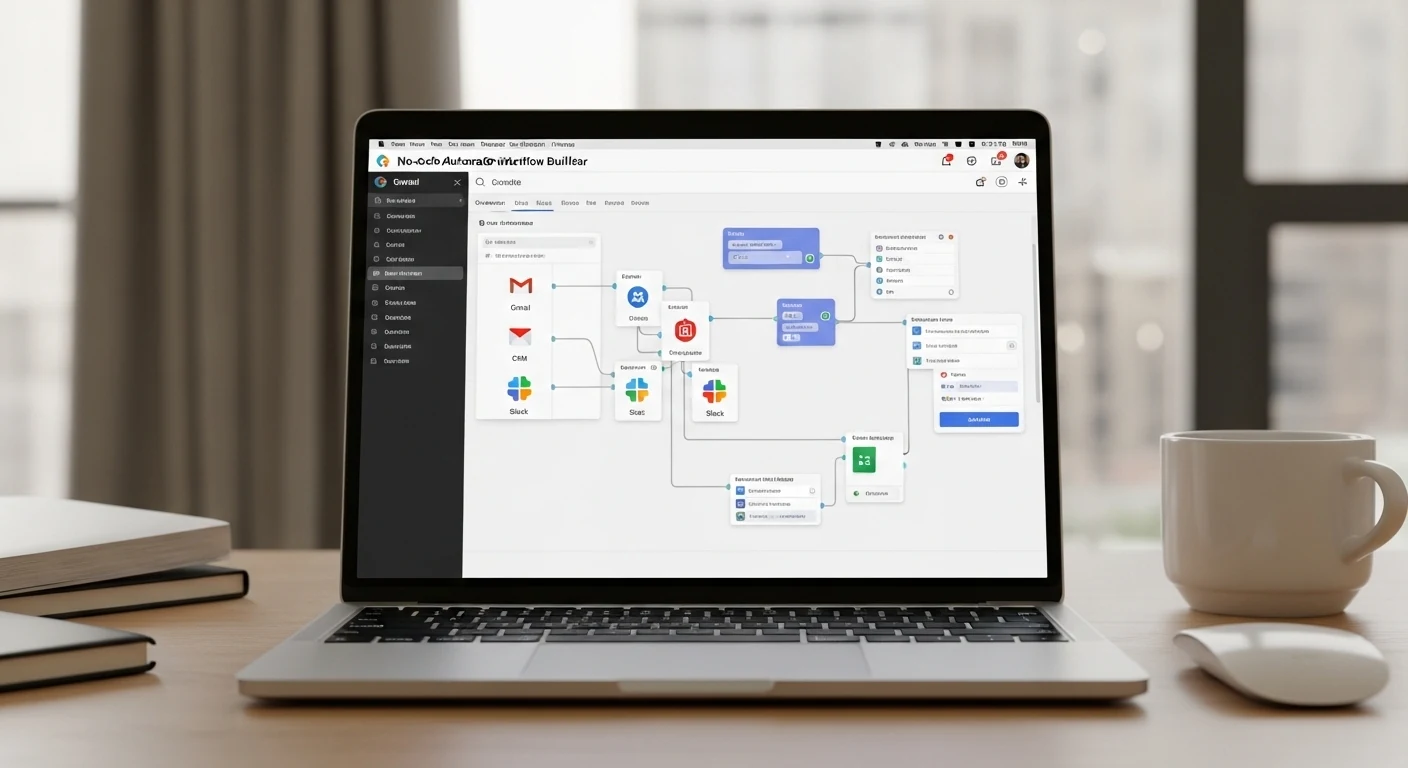
Which tool fits common small-business AI workflows?
Lead capture and CRM: Zapier is a sensible first test when a form submission only needs to create a contact, notify sales, and send a confirmation. Make is useful when the flow branches by country, lead score, or product interest. n8n is worth testing when you need custom enrichment, API calls, or data normalization.
Content operations: A process that collects a brief, calls an AI model, validates fields, creates a draft, and requests approval has multiple steps and failure points. Make’s visual scenario is easy to inspect; n8n offers more room for custom validation and code; Zapier can work well when the flow mainly connects familiar publishing and collaboration apps. Forecast usage before automating every small action.
Support triage: Use AI to classify a request, retrieve account context, and prepare a reply. Do not let an early version issue refunds, change subscriptions, or send sensitive account updates without review. Permissions, audit trails, and approval logic matter more than the “agent” label.
Internal reporting: For scheduled jobs that read several sources and transform records, estimate module actions and AI tokens. n8n’s full-run meter may suit multi-step jobs; Make makes transformations visible; Zapier may be easiest when the process is short and the required apps are already supported.
Explore more options in our AI tool discovery library, browse AI productivity tools, or compare AI tools for business workflows.
What to test before you pay
Build the same narrow pilot in the platforms you are considering. Use identical source data, destination apps, AI model, and expected volume. A demo that succeeds once is not proof of production reliability.
- Measure a full run. Record executions, credits, tasks, AI tokens, and provider charges. Include loops and retries, not only the happy path.
- Test failure cases. Disconnect an app, send malformed data, trigger a rate limit, and make the AI return an invalid format. Check whether the platform retries, queues, pauses, or stops.
- Prevent duplicates. Replay a trigger and see whether it creates a second contact, invoice, or post. Use stable IDs and idempotency controls where available.
- Review data handling. Identify where credentials, customer records, prompts, logs, and AI requests are stored. Confirm retention and access controls before sending sensitive data.
- Calculate ownership cost. For self-hosted n8n, include servers, backups, upgrades, monitoring, and incident response. No platform subscription does not mean no operating cost.
- Set approval boundaries. Let AI classify, summarize, and draft first. Require human approval for payments, refunds, outbound campaigns, and account changes until safeguards are proven.
Make’s AI Agent guide explains how agents can use modules, scenarios, and MCP servers as tools. Zapier describes its Agents as working with business knowledge and connected apps. n8n documents its AI capabilities and deployment options in the n8n documentation. These products are not interchangeable; inspect the controls and limits for the exact workflow you plan to run.
A practical seven-day selection plan
Day 1: Pick one repetitive process with a measurable outcome, such as adding qualified leads to a CRM.
Day 2: Map every step, app, required field, and human approval point.
Days 3–4: Build the same narrow workflow in two shortlisted platforms. Do not spread testing too thin.
Day 5: Test duplicates, missing fields, API failures, and invalid AI outputs.
Day 6: Project monthly costs from measured usage, including AI provider and infrastructure charges.
Day 7: Choose the lowest-cost reliable option your team can maintain. Document the workflow, credential owner, alerts, retry policy, and rollback procedure before using it with live customers.
Start with one stable workflow, not an autonomous business system. Expand only when you understand what happens if every important step fails.
Frequently asked questions
Is n8n cheaper than Zapier for AI automation?
It can be for multi-step workflows because n8n Cloud counts a full run as one execution. But self-hosting adds infrastructure and maintenance, and AI-provider usage may be billed separately. Compare the total cost of the same workflow at your actual volume.
Is Make better than n8n for non-technical users?
Make’s visual scenario builder is often easier for non-developers to inspect. n8n also has a visual editor, but custom code, hosting, and deeper API work can require more technical ownership. Choose based on who will maintain the workflow.
Can these platforms run AI agents without human review?
They can orchestrate agent-style workflows, but unrestricted autonomy is a poor default for financial or customer-facing actions. Start with draft-and-approve steps, log actions, and expand permissions only after testing failure cases.
Bottom line: Start with Zapier for quick standard connections, test Make for visual multi-branch operations, and shortlist n8n when custom APIs, technical control, or execution-based economics matter. The best platform completes your real workflow reliably at a cost your team can forecast and maintain.